Overview # When running a self-hosted password manager like Vaultwarden, accurate client IP logging is critical for security alerts. The “New Device Login” email should show the actual IP address of whoever just accessed your vault—not your reverse proxy’s internal IP.
This becomes tricky when you have multiple traffic paths: external users coming through Cloudflare Tunnel, and internal users coming through your local reverse proxy. Each path uses different mechanisms to communicate the real client IP.
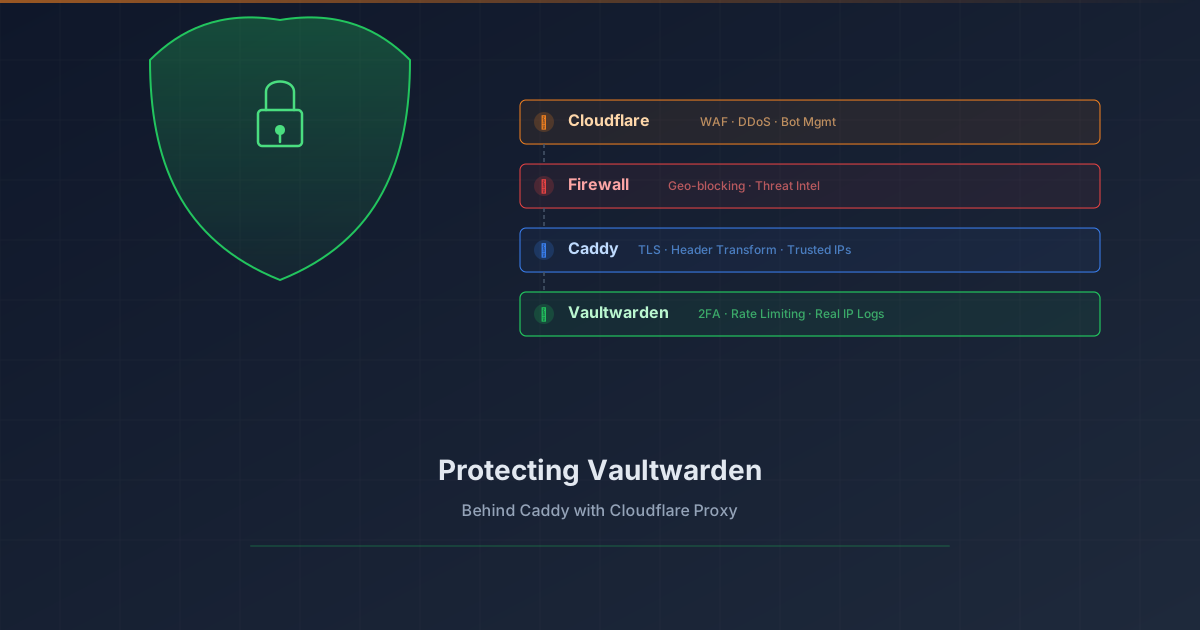
Overview # Your password vault is arguably the most sensitive service in your homelab. Exposing Vaultwarden to the internet requires layered protection. This tutorial shows how to add Cloudflare Proxy (WAF, DDoS protection, bot management) in front of Vaultwarden while preserving real client IP logging.
What you’ll achieve:
1 2 3 4 5 6 7 8 9 Client (real IP) ↓ Cloudflare Edge (WAF, DDoS, Bot protection) ↓ CF-Connecting-IP header Your Firewall (geo-blocking, threat intel) ↓ Caddy (extracts real IP, TLS termination) ↓ X-Real-IP header Vaultwarden (rate limiting, 2FA, logs real IP) Prerequisites # Vaultwarden already running behind Caddy reverse proxy Domain managed by Cloudflare (DNS) Caddy with valid TLS certificates (Let’s Encrypt/ACME) Basic understanding of reverse proxies The Problem # When you enable Cloudflare Proxy (orange cloud), traffic flows through Cloudflare’s edge servers before reaching your origin. This provides excellent protection, but introduces two challenges: